7 players
- Werewolves
- 2
- Villagers
- 3
- Seer
- 1
- Doctor
- 1
Gather 4–20 players and one moderator. The moderator keeps the phone during play and does not receive a role.
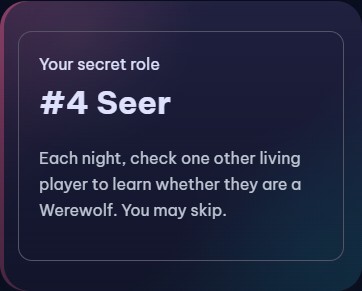
Choose your rules and group size on the game page. Pass the phone so each player can view and hide their own role privately.
Follow the on-screen script at night. Discuss and vote together during the day; the moderator records the actions and the person voted out.
Check each result before announcing it. When a side wins, confirm the end to reveal everyone’s role.
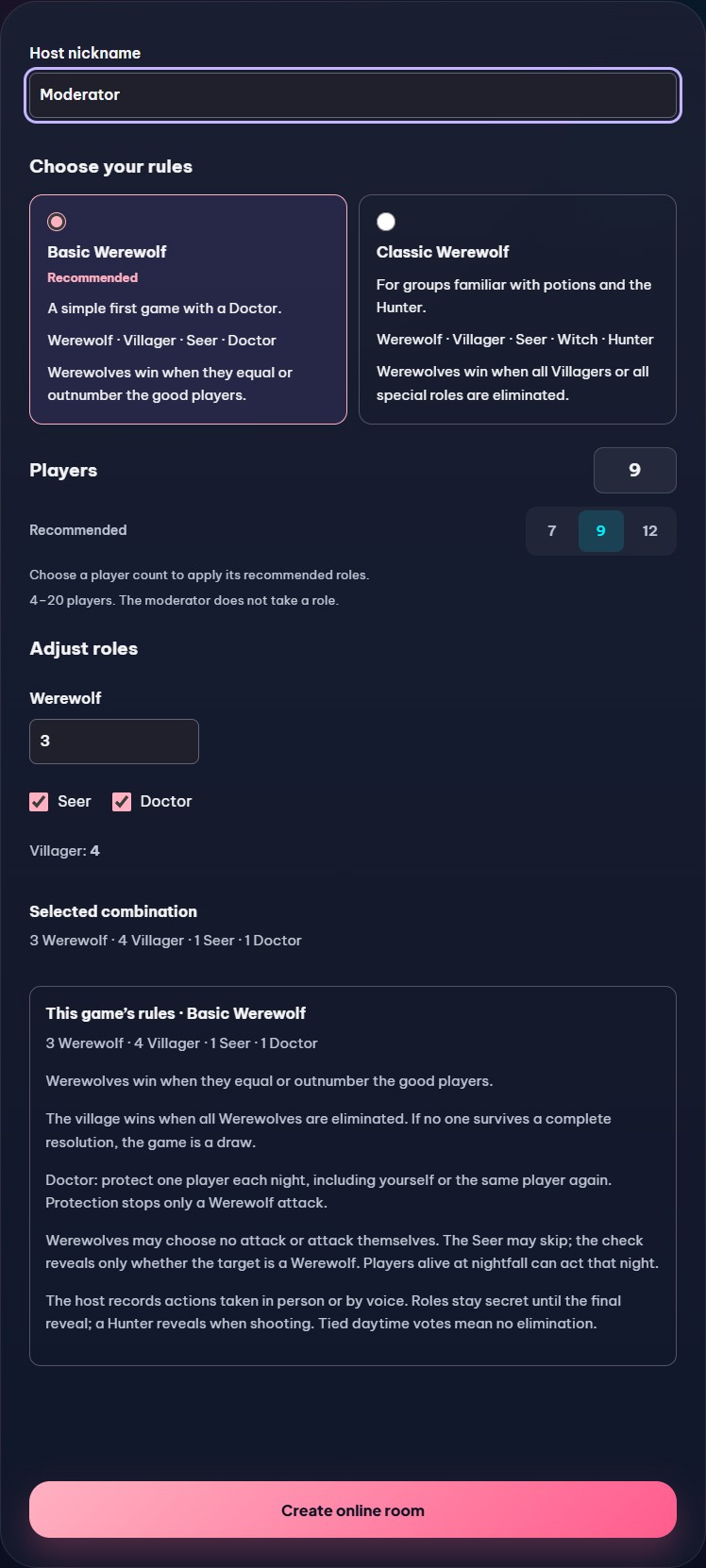
Choose a tested starting combination. You can adjust the wolves and supported special roles before dealing. These combinations are functionally verified, not a guarantee of competitive balance.
4–20 players. The moderator does not take a role.
Basic and Classic are the two rule definitions used by this tool. Other groups and published games may play differently. Roles belong to their chosen ruleset; Doctor and Witch are not mixed here.
Werewolf · Villager · Seer · Doctor
Werewolves win when they equal or outnumber the good players.
Doctor: protect one player each night, including yourself or the same player again. Protection stops only a Werewolf attack.
Werewolf · Villager · Seer · Witch · Hunter
Werewolves win when all Villagers or all special roles are eliminated.
Witch: one cure and one poison per game. The attack victim is no longer shown to the Witch after the cure is used.
Hunter: may shoot after a Werewolf attack or banishment, or decline. Poison prevents shooting, including combined attack and poison.
Classic defaults: the Witch cannot save themselves and may use at most one potion per night. Advanced settings can allow self-saving or two potions, and change when victory is checked.
Resolve all deaths and eligible Hunter actions before checking for victory.
After the cure, check the Werewolf attack first. If it ends the game, poison and Hunter actions are not resolved.
The village wins when all Werewolves are eliminated. If no one survives a complete resolution, the game is a draw.
Werewolves may choose no attack or attack themselves. The Seer may skip; the check reveals only whether the target is a Werewolf. Players alive at nightfall can act that night.
The host records actions taken in person or by voice. Roles stay secret until the final reveal; a Hunter reveals when shooting. Tied daytime votes mean no elimination.
Choose a player to attack with your fellow Werewolves each night. You may choose no attack or a Werewolf.
Discuss and vote during the day to find the Werewolves. You have no night action.
Each night, check one other living player to learn whether they are a Werewolf. You may skip.
Protect one living player from the Werewolf attack each night. You may protect yourself, repeat a target, or skip.
Witch: one cure and one poison per game. The attack victim is no longer shown to the Witch after the cure is used.
After a Werewolf attack or banishment, you may shoot one living player or decline. You cannot shoot if poisoned, even if also attacked.
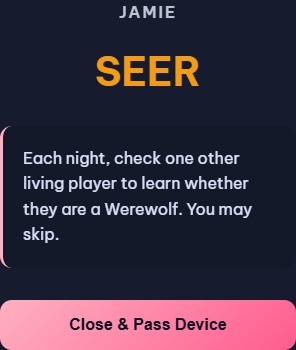
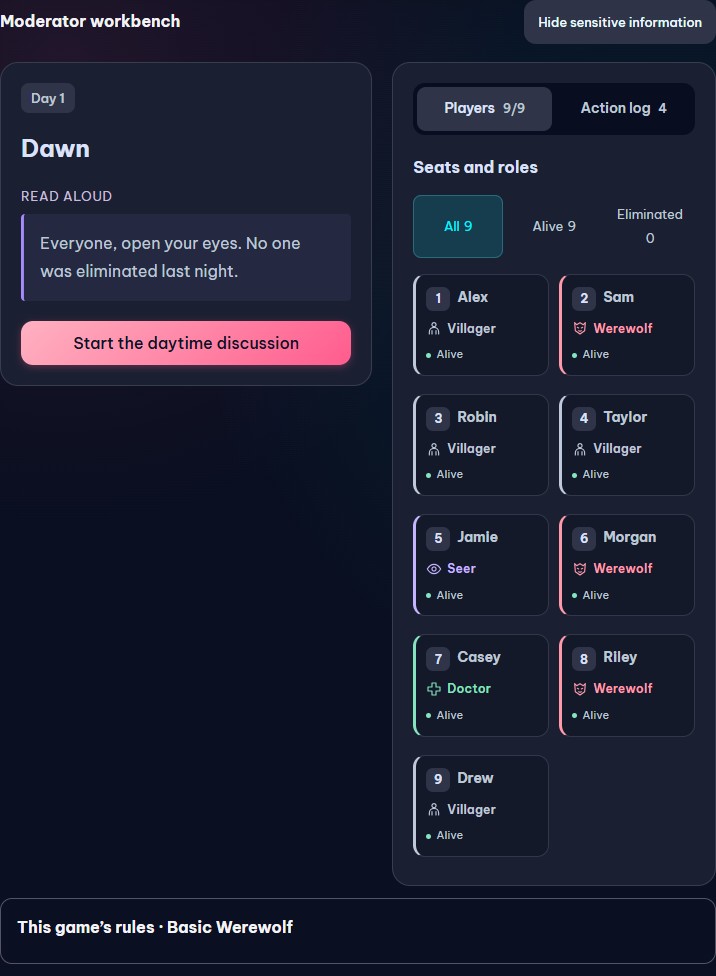
An online room still needs a human moderator. Players make night choices and vote in person or on your call; the website does not provide player-operated night actions or a voting ballot for Werewolf.
Read the quoted lines aloud. Keep the host instructions and all targets private. The live moderator workbench shows the relevant step for the current game.
Everyone, close your eyes. Night is falling.
For the moderator only: This role is no longer active. Read the same invitation, wait briefly, then continue without recording an action.
Werewolves, open your eyes. Choose your target, then close your eyes.
For the moderator only: Record the chosen target or explicitly choose no attack. Wolves may target a wolf. Do not announce the target.
Doctor, open your eyes. Choose whom to protect, then close your eyes.
For the moderator only: Record a living protection target or no protection. Self-protection and repeated protection are allowed; poison is not blocked.
Seer, open your eyes. Choose one player to check, then close your eyes.
For the moderator only: Record one other living target or skip. Privately indicate only whether that player is a Werewolf.
Werewolves, open your eyes. Choose your target, then close your eyes.
For the moderator only: Record the chosen target or explicitly choose no attack. Wolves may target a wolf. Do not announce the target.
Seer, open your eyes. Choose one player to check, then close your eyes.
For the moderator only: Record one other living target or skip. Privately indicate only whether that player is a Werewolf.
Witch, open your eyes. Decide whether to use a potion, then close your eyes.
For the moderator only: Privately show the attack victim only while the cure remains. Record the Witch’s choice under this game’s self-save and double-potion settings.
Everyone, open your eyes. Here is the night’s result.
For the moderator only: At dawn, check the result shown in the script and read it aloud. Continue directly to daytime discussion, an eligible Hunter action, or the end of the game as prompted. The selected victory timing may end a Classic game earlier.
Discuss and vote on whom to banish. A tied vote eliminates no one.
For the moderator only: Count votes at the table and record one banished player or explicitly choose no elimination. A tie means no elimination. Resolve any eligible Hunter decision before checking for victory.
Here is the result of the banishment.
For the moderator only: Read the recorded banishment aloud, then continue as prompted. Do not disclose private targets or roles; a Hunter reveals their role when shooting.
The host is checking the end of the game.
For the moderator only: The end preview is not the final reveal. Confirm the end when ready to disclose all roles. This closes the correction window.
The game is over. You may reveal your roles.
No. Choose 4–20 participating players, plus one human moderator. For a 9-player setup, gather 10 people in total.
Yes. Open this free browser tool on one shared phone and pass it around to reveal each role privately. No cards, app download or account is required. Enable JavaScript to deal roles.
Basic uses Werewolves, Villagers, Seer and Doctor. Classic uses Werewolves, Villagers, Seer, Witch and Hunter. Adjust the wolf count and toggle supported special roles; Villagers fill the remaining seats.
It provides narration, records night actions, resolves deaths and checks victory under your selected rules. A human moderator still guides the group and records the result of the group’s discussion and vote.
The moderator records no elimination. Continue to the next night unless the game has already ended. This version does not run a second ballot.
You can edit actions before publication and make a limited correction to the latest public result before continuing or confirming a later action. Information already spoken aloud cannot be made secret again.
You need access to the website to load its pages. One-phone play runs in your browser without an online room, but this website does not promise installation or full offline loading. Saved progress stays in this browser session.