How to play Spyfall: from setup to the first question
- 3–10 players in this tool; choose the number of spies before dealing.
- One shared phone or an online room with separate devices.
- Keep identities private. Questions and discussion happen in person or on your call.
One phone: pass, reveal, and hide
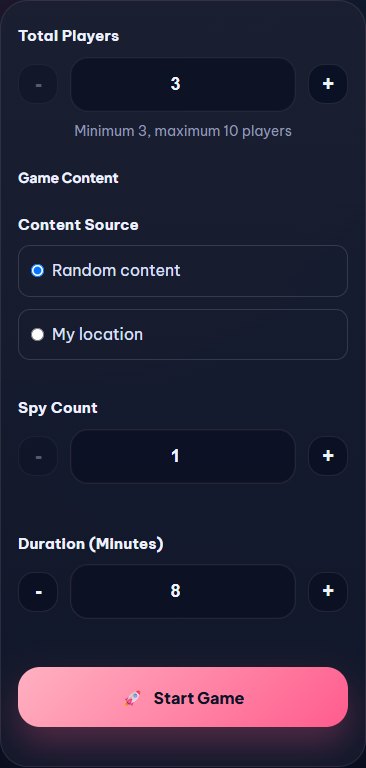
- Choose the player count, spy count, and round length. Keep random locations or add your own content.
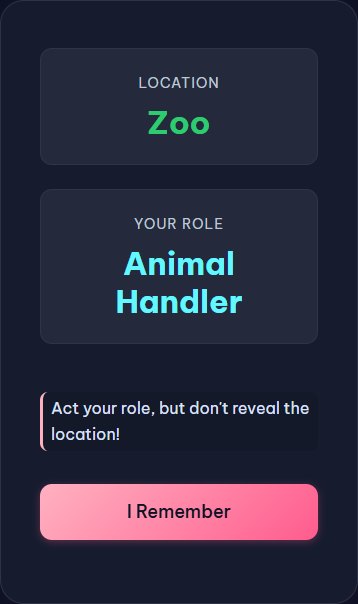
- Start the game and pass the phone in the shown order. Each player enters a name, privately reads the card, then hides it.
- Non-spies see the shared location and their own job. Spies see their spy identity without a location. Once all cards are hidden, use the host controls and timer.
Online: create a room and invite your group
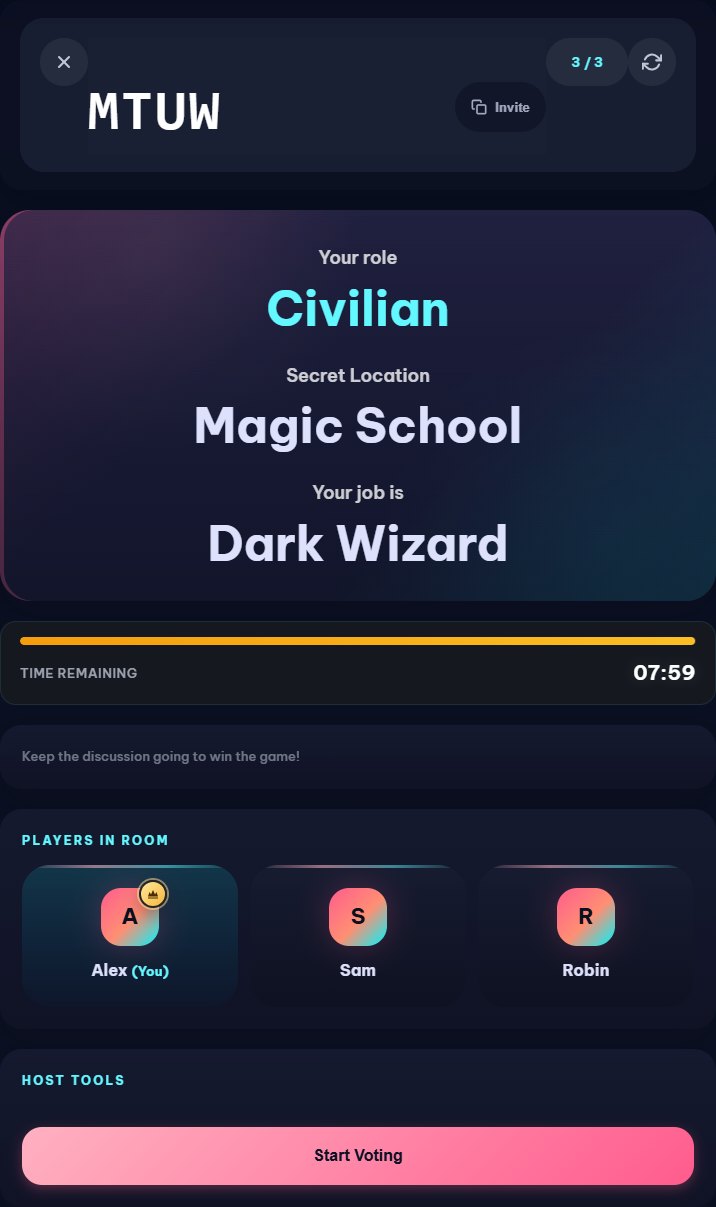
- Create a room and choose Player or Moderator mode. In Player mode the host receives an identity; a Moderator does not take a player seat.
- Share the invite link or room code. Players join with a nickname, and the host starts when everyone is ready.
- Read only your own card. Ask questions in person or on your call. In Player mode the host can start and finish an on-screen vote; Moderator mode keeps discussion and voting outside the room UI.
Agree on the rules before you start
- Do not say the location or show your card to the group. Ask about experiences that fit the location without naming it.
- Agree in advance how to handle a spy’s spoken location guess and any house rules. The tool does not listen to or judge your conversation.
- In one-phone play, use the timer and host controls while the group handles discussion and accusations. In online Player mode, use the room’s voting controls.
- Moderator screens contain secret information. Only the moderator should view or share those screens.
An example of a useful question
“What would you normally bring here?”
At a hospital, a non-spy might say “Something to read while I wait.” The answer fits the place without giving its name away. The spy must infer the location from everyone’s answers.